Browser file manager / self-hosted

Your storage.
One place to work.

Open the NAS. Move the files. Grab the archive.
Connect your cloud storage and inspect your VM pools—all from one browser.

Your browser Any device with access to the service
remotefsOne service. Your permissions.
LocalSMBNFSrclonelibvirt

Need a real drive? Mount any share or cloud connection on the service host.

Cloud and libvirt are included in version 0.3.0, with optional host dependencies.

See the whole workflow.

Nine short chapters. Jump in anywhere.

Start on the computer that can reach your files

Install once.
Open anywhere.

Run remotefs, choose your network access and set up a login. Other devices connect to that service in their browser.

Local folders, SMB and NFS work without mounting network shares in your operating system. When you do want a drive, turn on mounts.

Follow the first-run guide
Service host / Python 3.11+
$ pipx install remote-fs-browser
$ remotefs

Choose network access
Set your username and password
Open http://127.0.0.1:8080/
Homebrew and Windows portable installs are available too.

Command guide • install optional host dependencies for cloud and libvirt
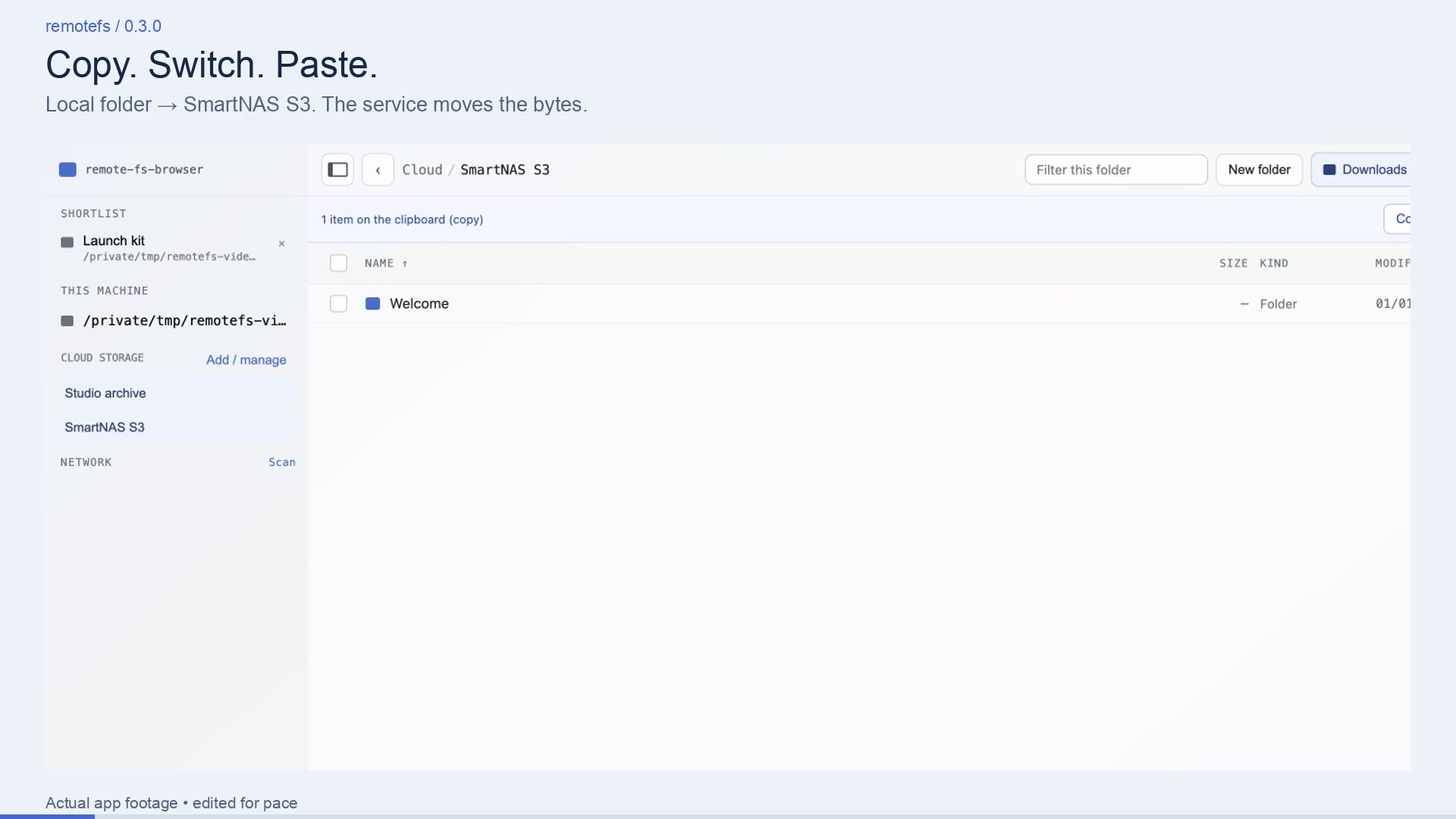
Watch it work.
Every feature.

A 16-minute walkthrough of the real app in twelve chapters: Finder-style selection, network scans, cloud copies, big ZIP downloads, VM storage, the CLI and embedding. New: mount a NAS folder or cloud bucket as a folder or drive that every app can use.

Recorded at human pace against a demo lab of SMB servers, a local S3 server and a libvirt test pool. Captions are built in; no sound needed. Short on time? Watch the 72-second promo.

Read the chapter guide and recording notes

16:07 · 1080p · Download the walkthrough

Ready to connect your storage?